
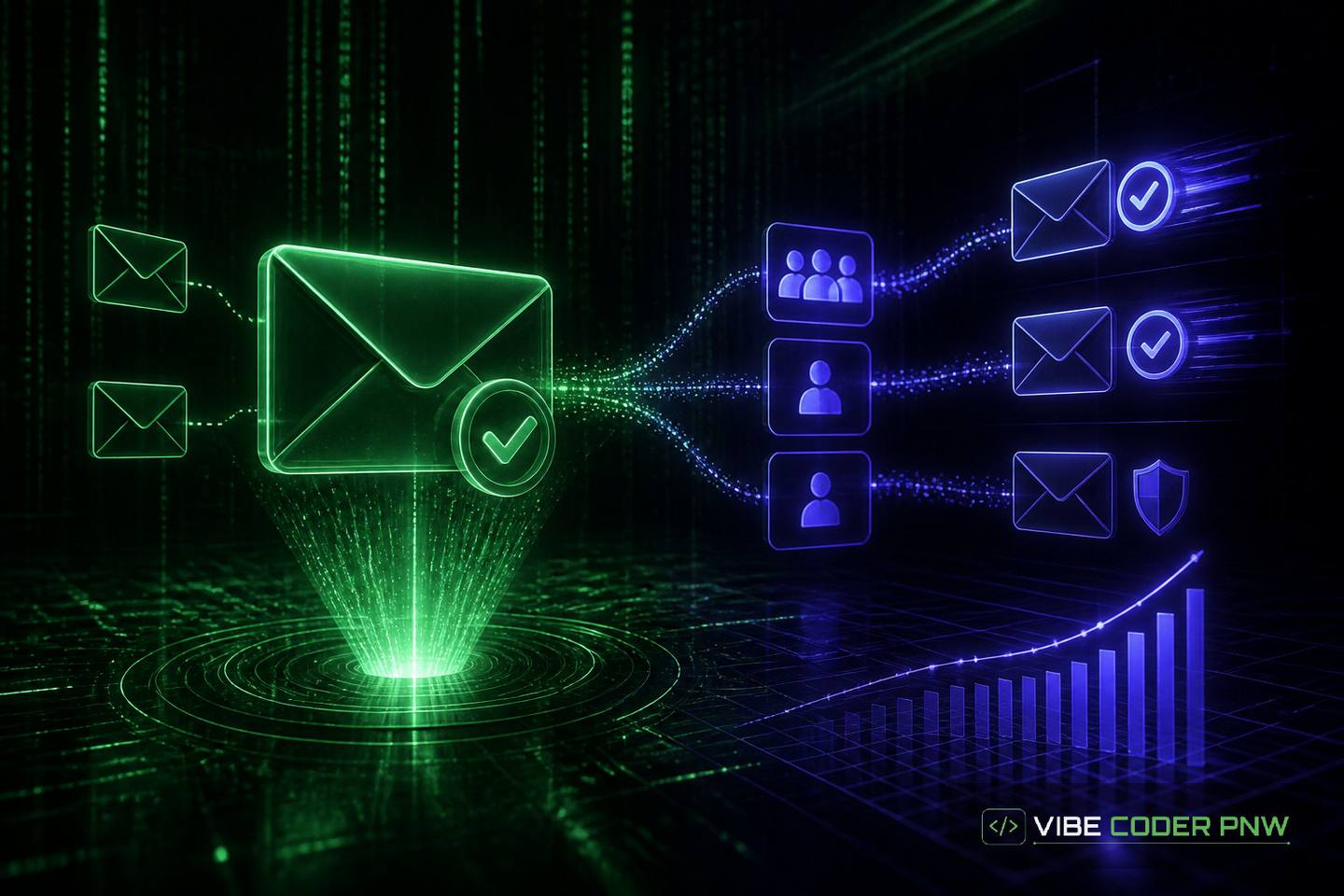
Owning Your Email List: Double Opt-In, Segmentation, and Deliverability
Learn how to protect your server reputation and reach reader inboxes using custom DNS authentication, double opt-in validation, and structured list segmentation.
// key_takeaways
Key Takeaways
- Proper Domain Name System authentication records verify sending server identity to prevent email providers from routing legitimate broadcasts to spam folders.
- Double opt-in verification forms confirm real user interest using single-use links, protecting database quality against automated spam bots and invalid addresses.
- Grouping email subscribers by recent interaction patterns helps target active readers first, generating positive engagement signals that improve overall inbox placement.
- Escalating message volume gradually over several weeks allows mailbox filters to establish trust with new server IP addresses and domain names.
- Automatically removing hard bounces and spam complaints from recipient databases protects sending infrastructure from reputation damage and server blocklists.
An online retailer launches a major seasonal broadcast only to discover half of their messages landed directly in customer spam folders. Independent operators who build their own communication channels quickly learn that sending messages requires strict backend setup to satisfy mailbox filters.
Improving deliverability for a self-hosted email list means proving your infrastructure is legitimate so mailbox providers trust your broadcast server. Deliverability refers to the percentage of sent emails that reach a subscriber inbox rather than a spam folder.
What this means:
High inbox placement requires custom mail server authentication, automated bounce cleaning, and double opt-in confirmation flows.
What affects deliverability for a self-hosted email list?
Deliverability for a self-hosted email list depends on server reputation, domain authentication, subscriber engagement, and list hygiene. Email providers evaluate your sending IP address, Domain Name System records, hard bounce rates, and subscriber reactions. Proper technical setup prevents your operational broadcasts from triggering aggressive automated spam filters.
Think of sending bulk mail like running an international postal service. If your delivery truck lacks proper license plates, postal inspectors stop every package at the gate. Authentication records act as those license plates, verifying that your server is authorized to carry messages for your domain.
Key Factors Shaping Mailbox Placement
Mailbox providers track historical sending behavior across both your server Internet Protocol address and your root domain name. An IP address is the unique numerical code identifying your mail server on the internet.
- Server IP reputation: Mail gateways track whether your server address has sent spam or triggered user complaints in the past.
- Domain alignment: Receiving systems compare the domain name in the message header against verified records in your domain control panel.
- List quality: Invalid email addresses that produce permanent failures damage your overall sender score quickly.
- Subscriber interactions: Open rates, link clicks, and marked-as-spam actions directly inform future filter decisions.
Set up DNS email authentication records correctly
Custom mail server authentication is the foundational defense against inbox rejection. The Domain Name System works as the phonebook of the internet, mapping human-friendly domain names to numeric server addresses.
Setting up strict text records in your domain control panel instructs receiving servers how to verify your sending identity.
Sender Policy Framework (SPF)
An SPF record lists every server IP address allowed to send mail on behalf of your domain name. When a recipient server receives a message, it queries your public record to verify the sending IP address.
NIST cybersecurity guidance highlights domain identification controls as essential baseline protections against message spoofing and online fraud.
DomainKeys Identified Mail (DKIM)
DKIM adds an encrypted digital signature to every outgoing header. Your mail server keeps a private cryptographic key, while a public key lives inside your public domain records.
Receiving servers use that public key to decrypt the signature, confirming the body content was not modified during transit.
Domain-based Message Authentication (DMARC)
DMARC unites SPF and DKIM by specifying explicit enforcement rules for inbox engines. A DMARC record tells receiving servers whether to accept, quarantine, or reject messages that fail validation checks.
DMARC also routes daily aggregate reporting files back to your system administrator for continuous reputation monitoring.
Authentication Protocol Comparison
| Protocol | Primary Function | Storage Location | Key Benefit |
|---|---|---|---|
| SPF | Authorizes sending IP addresses | Domain DNS TXT record | Prevents basic domain impersonation |
| DKIM | Signatures confirm content integrity | Cryptographic header signature | Ensures message body is untampered |
| DMARC | Defines failure policy and reporting | Domain DNS TXT record | Enforces strict quarantine or block rules |
Enforce strict double opt in subscriber intake
Single opt-in forms add address entries directly to a distribution database without verification. This practice exposes your server to malicious spam bots, typo-ridden addresses, and fake account creation.
Automated Confirmation Links and Tokens
Double opt in email deliverability relies on verifying real user intent before sending marketing or transactional broadcasts. When a user submits an intake form, your web server generates a unique single-use token embedded inside a verification link.
The backend database marks the contact active only after the reader opens that link. OWASP application security guidance recommends cryptographically random tokens for secure account confirmation workflows to prevent automated abuse.
Spam Bot Defense and Audit Logging
Dynamic form filtering stops automated scripts before they hit your application layer. Rate-limiting endpoint requests and analyzing submission velocity keeps invalid data out of your intake tables.
Maintaining timestamped database logs of the opt-in confirmation provides verifiable evidence of explicit consent. These historical records shield your platform if an inbox provider requests proof of authorization during a compliance audit.
Data standardization: Using structured form workflows helps clean up intake channels, much like how automated client onboarding standardizes operational data before it enters backend database tables.
How should you segment subscriber lists for high engagement?
Segmenting subscriber lists improves deliverability by sending messages to active readers who open and click your emails. Mailbox filters evaluate aggregate recipient engagement to determine inbox placement. Separating inactive subscribers, routing priority campaigns to responsive segments, and triggering automated event responses protects your overall sender reputation.
Activity-Based Categorization
Segmenting subscriber lists requires grouping readers by their recent interaction patterns. Sorting your database into active, warm, and dormant tiers prevents sending bulk messages to dead accounts.
- Active subscribers: Users who opened or clicked an email within the past thirty days.
- Warm subscribers: Contacts engaging within sixty to ninety days who receive lower frequency mailings.
- Dormant subscribers: Inactive accounts routed into automated re-engagement or pruning workflows.
Engagement Routing and Custom Triggers
Effective email list segmentation strategies ensure high-volume promotional broadcasts hit your most active readers first. High initial engagement signals to filter algorithms that your content is wanted, lowering spam filter risks for subsequent batches.
Custom application triggers send immediate context-aware updates based on user actions inside your platform. For instance, platforms that manage email lists for creators use automated triggers to deliver digital downloads immediately after purchase.
Transactional pipelines: Custom notification platforms that manage recurring subscriptions build similar event-driven messaging pipelines to guarantee immediate transactional notice.
Warm up new IP addresses and sending domains gradually
Launching a mass broadcast from a newly provisioned server IP address triggers immediate spam blocks. Inbox providers view sudden message volume from an unknown infrastructure footprint with high suspicion.
Structured Volume Escalation
Server warming requires sending small, controlled volumes of email to your most engaged users over several weeks. Start with modest daily sending caps, then increase total volume by small daily percentages as inbox placement remains steady.
Monitoring platform health during this phase requires watching server log files for temporary deferrals or block codes. W3C web standards offer baseline protocols for network API responses and real-time event notifications.
Feedback Loops and Reputation Dashboards
Feedback loops deliver copy notifications whenever a subscriber clicks the spam button inside their inbox interface. Your custom application backend must automatically process these incoming complaints and remove those addresses instantly.
Connecting your server monitoring to major postmaster services gives you visibility into domain health, inbox placement estimates, and authentication error trends.
What mistakes destroy self hosted email sender reputation?
Self hosted email sender reputation drops when servers transmit messages without authenticated DNS records, ignore bounce errors, or blast dormant contact lists. Sending bulk volume over unverified IP addresses triggers instant ISP blocks. Automated list cleaning, strict error handling, and careful infrastructure migration protect your sending domain from permanent blacklist status.
Common Mail Server Reputation Pitfalls
- Unauthenticated broadcasts: Transmitting messages without aligned SPF and DKIM signatures guarantees high spam placement.
- Ignoring hard bounces: Retaining permanently invalid addresses forces filter systems to flag your server IP address as suspicious.
- Sudden volume spikes: Sending massive bursts of mail from fresh infrastructure imitates malware botnet activity.
- Neglecting list maintenance: Blasting unverified lists purchased or scraped from third-party directories triggers spam traps.
Handling Hard Bounces and Complaints Automatically
A hard bounce occurs when a receiving server permanently rejects an email because the account does not exist. A soft bounce represents a temporary failure, such as a full inbox or short server downtime.
Your infrastructure must parse Simple Mail Transfer Protocol bounce codes immediately upon receipt. A protocol is an agreed set of rules allowing computers to exchange data.
Database cleanup: Automatically flagging hard bounces in your backend database prevents repeated invalid delivery attempts that damage server reputation.
Build reliable custom email infrastructure for long term growth
Building dedicated email automation gives operators total control over delivery logic, data pipelines, and workflow timing without external platform lock-in. Managed subscription access to custom platform infrastructure ensures your mail servers maintain DNS settings, automated bounce handlers, and high-performance delivery rates. One-time setup fees start at $199 to $399, depending on complexity and security requirements.
System integration: Integrating custom notification engines into your web application turns routine transactional updates into reliable communication channels. Modern backend architecture combines automated queue management with real-time analytics to protect your domain reputation long term.
If your organization is ready to build resilient email channels and optimize inbox delivery, start your project intake to evaluate custom backend solutions.
Final takeaway
Sending email from a custom server is like operating a local bakery delivery van. Without clear official decals on your vehicle and an accurate customer list, gatekeepers will stop your driver at the neighborhood entry point. Verifying customer addresses before adding them to your route ensures your packages reach every kitchen safely.
- Domain authentication records verify your server identity to prevent mailbox filters from blocking your emails.
- Double opt-in confirmation flows keep fake addresses and malicious bots out of your contact lists.
- Segmenting subscribers by activity levels increases open rates and protects your overall sender reputation.
// frequently_asked
Questions and Answers
// reference
Cite this guide
- Title
- Owning Your Email List: Double Opt-In, Segmentation, and Deliverability
- Author
- Vibe Coder PNW
- Published
- URL
- https://vibecoderpnw.com/blog/owning-your-email-list-double-opt-in-segmentation-and-deliverability
- Website
- Vibe Coder PNW
Suggested citation
Vibe Coder PNW. “Owning Your Email List: Double Opt-In, Segmentation, and Deliverability.” Vibe Coder PNW, published October 22, 2026. https://vibecoderpnw.com/blog/owning-your-email-list-double-opt-in-segmentation-and-deliverability.
// related_on_this_site
// comments
0 comments
// keep_reading
Turning Form Submissions Into a Real Sales Pipeline
Discover how automating the handoff from web contact forms to sales software cuts response times, prevents lost leads, and keeps your pipeline organized.
read →[ Automation ]Automating Client Onboarding With Custom Software
Discover how tailor-made software replaces manual administrative intake, protects sensitive customer information, and helps your team start billable work faster.
read →